
Maker lab

Create, experiment and prototype in the Blessing Family Maker Lab, a hybrid classroom and makerspace that gives you access to cutting-edge tools. This is a space for purpose and play, where you can collaborate with peers, test out your ideas, and bring your course projects and passion projects to life.
What can I make?
In UMSI’s maker lab, you can:
- 3D-print prototypes for products and devices
- Build smart objects with sensors, microcontrollers and custom electronics
- Scan objects to create augmented and virtual reality scenes
- Digitally archive historical artifacts
- Design wearable tech by sewing electronics into fabric
- Test automotive interfaces in a realistic driving simulator
- Produce portfolio-quality photos, videos and project documentation
Who can use the maker lab?
Located in the Leinweber Computer Science and Information Building (LCSIB 1305), the maker lab is open to all UMSI students, faculty and staff who complete the required training. Or you can drop by to explore the equipment with support from staff during regular “open hours.”
If you are a current UMSI student, staff or faculty member, you can find more information on the maker lab’s Canvas site.
Featured equipment
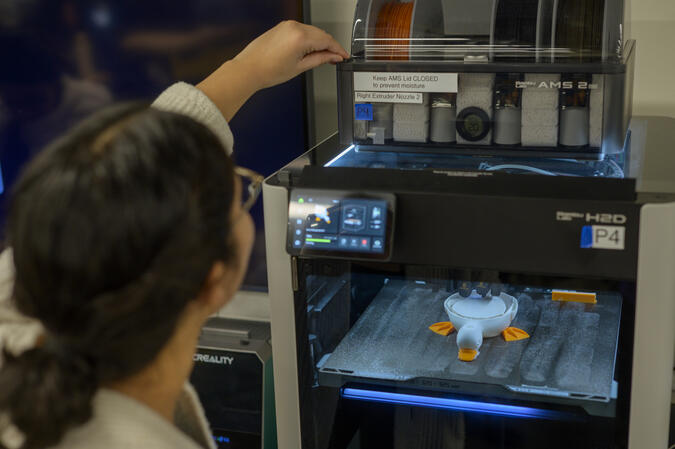
3D printers
Turn digital designs into physical prototypes using our advanced 3D printers. Create custom parts, product concepts and more.
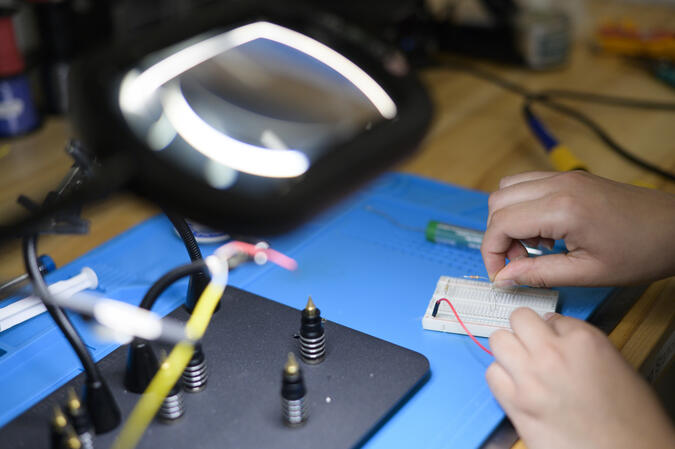
IoT prototyping and soldering
Prototype interactive systems using Arduino and Raspberry Pi microcontrollers, sensors and electronic components.
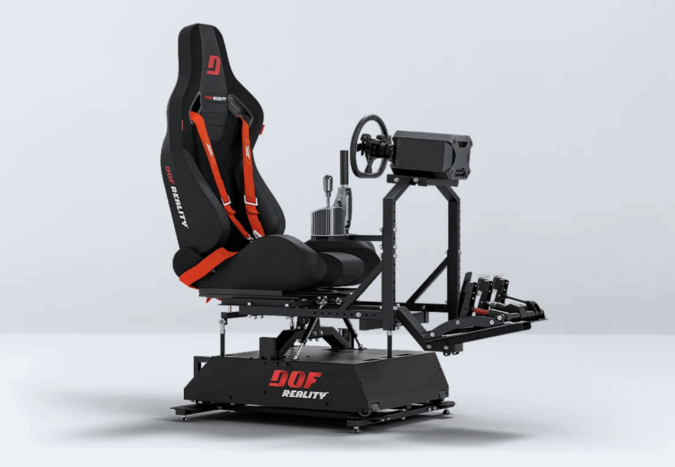
Driving simulator
Experience automotive user testing in a realistic driving environment. This motion-enabled simulator allows you to study how people interact with technology behind the wheel.
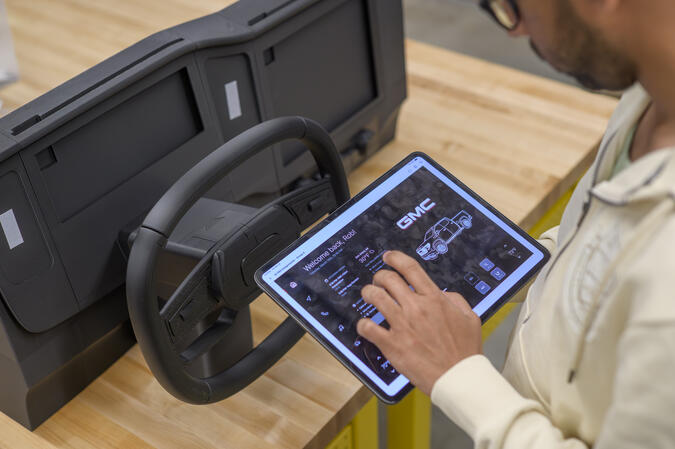
3D-printed car dashboards
Test automotive interface designs using custom dashboards built to hold digital prototypes.
Digital forensics station
Explore the tools used by digital archivists and preservation specialists. Recover and preserve born-digital materials from legacy media like floppy disks.

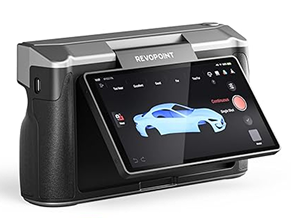
3D scanning and photography
Capture high-resolution models of physical objects to create assets for AR/VR scenes, archive artifacts and more. Photography equipment, lighting and backdrops also allow you to document portfolio projects.
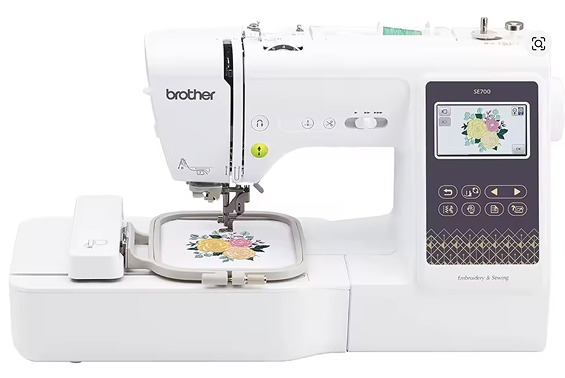
Sewing, embroidery and conductive textiles
Use conductive thread and LilyPad microcontrollers to prototype interactive wearable devices and E-textiles.
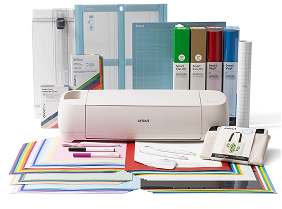
Cricut Maker 4 and Epson Inkjet Printer
Turn digital graphics into physical creations, including custom stickers, apparel, signage and paper prototypes for user testing and design projects.
Multimedia visualization tools
Explore immersive spatial design using Meta Quest and HoloLens headsets, and capture audio using recording equipment.

All of this making is made possible by a generous gift from Jason Blessing (BA ’93).